Remote access
Kraft's gate needs a browser to approve or reject. Approving from a phone or
a machine that isn't the one running the server doesn't need new code —
Kraft already has password auth (access.yaml) and a Host allowlist for a
non-loopback bind (allowed_hosts).
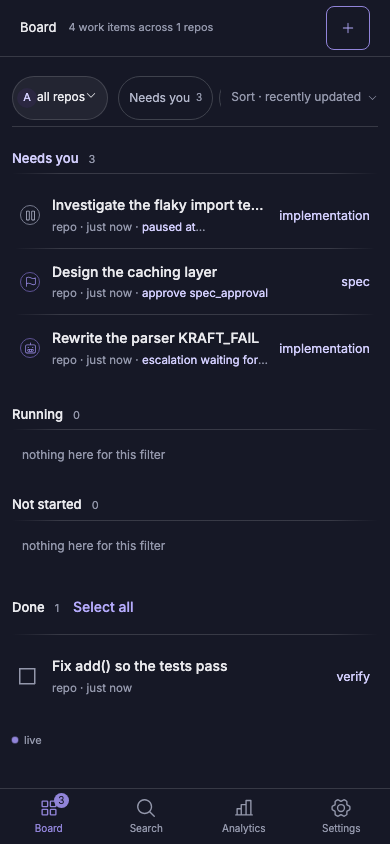
Point a tunnel at it:
- Set a password if you haven't:
kraft admin startrefuses a non-loopback bind without one. - Add the tunnel's hostname to
allowed_hostsinaccess.yaml(Settings → Access, or hand-edit — seekraft admin doctorto confirm it parses). kraft admin start --host 0.0.0.0.- Point a tunnel at the bound port:
- Tailscale:
tailscale serve https / http://localhost:8765, then open the board at your tailnet's HTTPS address from any device on it. - Cloudflare Quick Tunnel:
cloudflared tunnel --url http://localhost:8765prints a*.trycloudflare.comURL — add that hostname toallowed_hostsbefore using it.
- Tailscale:
Signed one-shot approve/reject links and a Slack action endpoint were considered and dropped: this gives phone access to the real board, with the same auth, for no new code to secure. See Security for the full threat model.